
Access Arizona Court Docket
Court dockets in Arizona are public records kept by Superior Courts, Justice Courts, and Municipal Courts in all 15 counties. Each court maintains case information that you can search online or view in person at the courthouse. The Arizona Judicial Branch provides a statewide portal that covers 177 of the 184 courts across the state. This free system lets anyone look up court dockets by name or case number from any computer or phone. You can also visit county clerk offices to get copies of court documents or certified records for legal use.
Arizona Court Records Quick Facts
Statewide Court Docket Access
The Arizona Judicial Branch runs a free case search system called Public Access to Court Case Information. This portal covers 177 of the 184 courts in Arizona. You can look up cases by name or case number. The system shows case types, charges, dispositions, and hearing dates. No login is needed. You can search from home at any time. The portal includes Superior Courts, Justice Courts, and most Municipal Courts across all 15 Arizona counties. Civil cases, criminal cases, family law cases, and probate cases are all in the system. Some sealed records and confidential cases do not show up in search results.
The main case search portal is available at apps.azcourts.gov/publicaccess, where you can search for court dockets from all participating Arizona courts. The screenshot below shows the Public Access homepage where you select which court to search and enter the party name or case number you want to find.
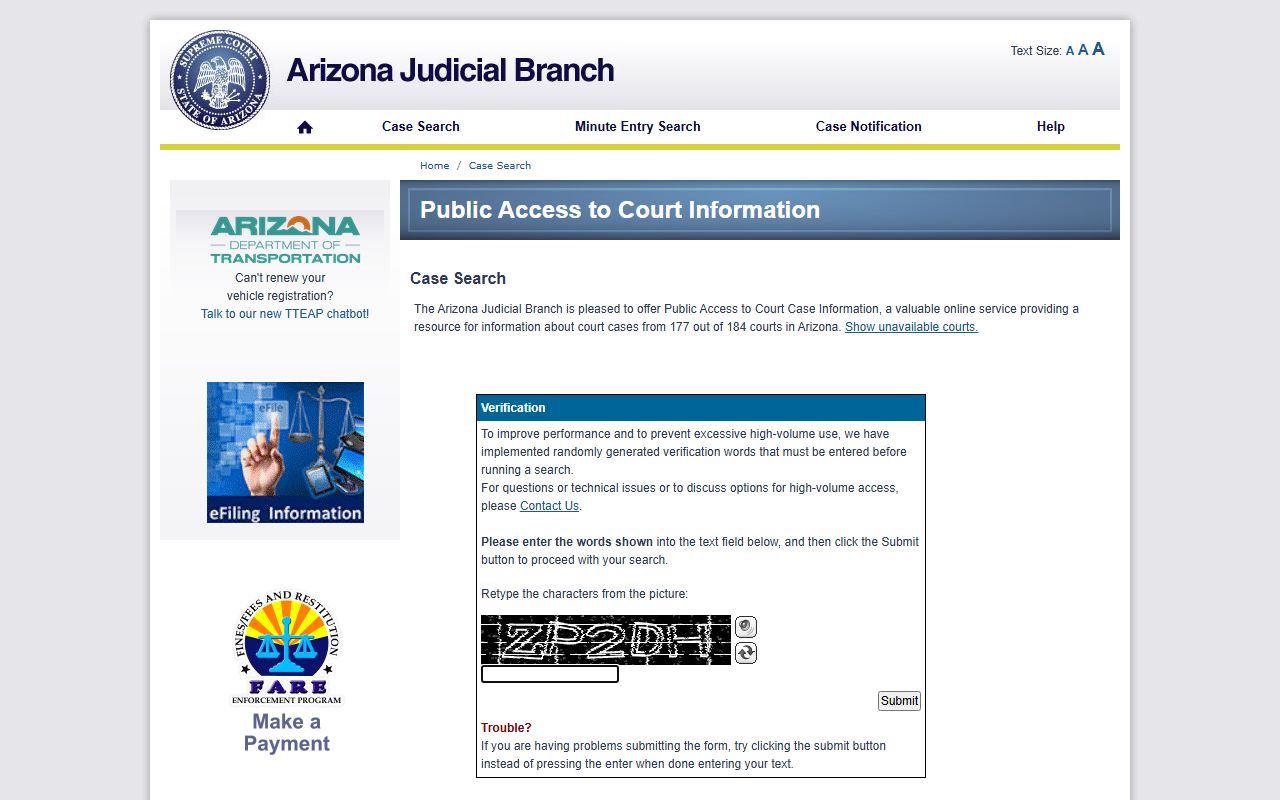
Once you search, the system displays all matching cases with basic docket information visible to the public. This free portal is the fastest way to look up Arizona court dockets without paying any search fees.
The Arizona court system also maintains a main website at azcourts.gov with resources for court users, legal forms, and self-help information. This site is the official hub for the Arizona Judicial Branch and provides links to all court services statewide. The homepage gives you access to court locations, online services, and legal resources across Arizona. You can find contact info for any court in the state and learn about court procedures for different case types.
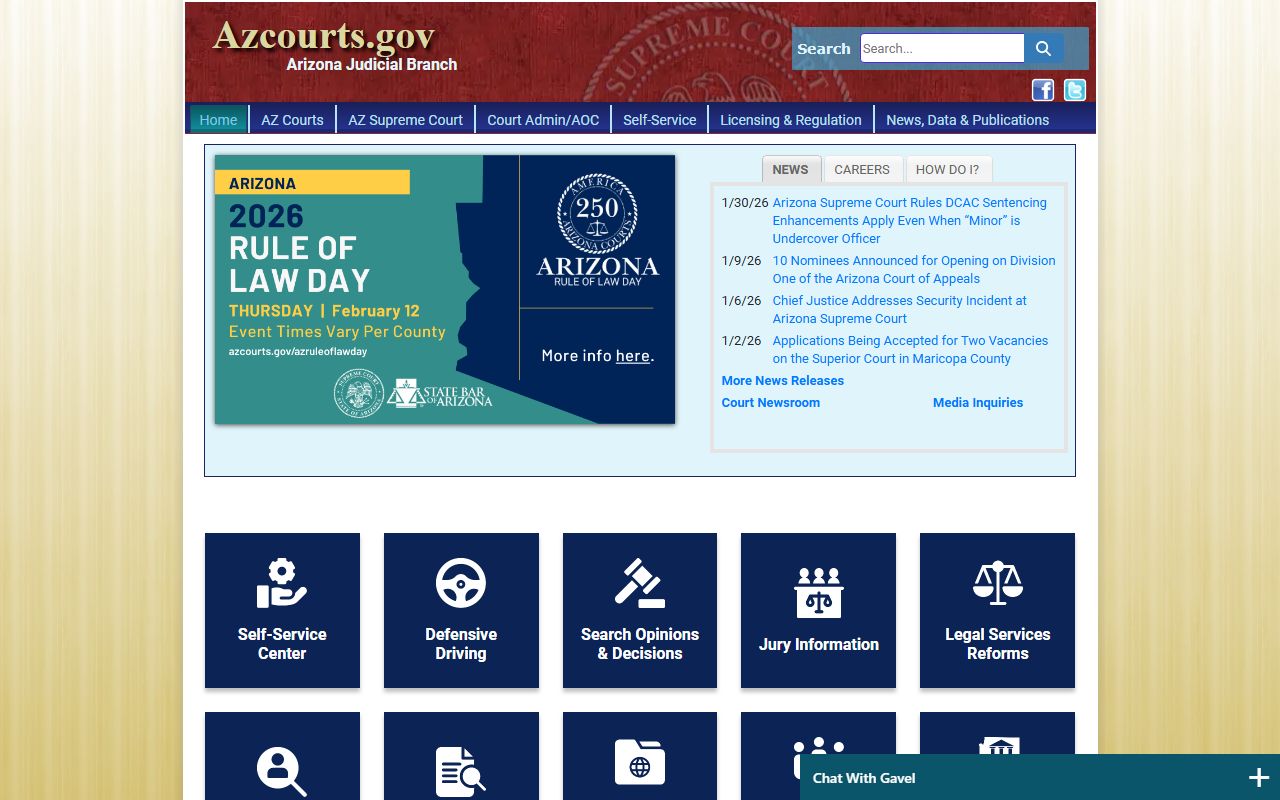
Use the main site when you need forms or want to learn more about how courts work in Arizona.
Getting Full Court Documents
If you need full case documents and not just docket summaries, Arizona offers eAccess. This is a paid service. Each document costs $10. You can also buy a subscription if you need to pull many documents. Subscriptions range from $80 to $10,000 per month based on how many documents you need. Documents from July 2010 to the present are in the system. You must make an account with your email, phone number, and credit card. Government agencies in Arizona get free eAccess. This includes state, county, and local offices. Private citizens and businesses pay the standard rates. The eAccess system covers most case types in Superior Court, Justice Court, and some Municipal Courts, giving you online access to full case files, filings, motions, orders, and judgments that are part of the Arizona court docket record. The system is open all day and all night, so you can pull documents when you need them without having to wait for the clerk office to open or make a trip to the courthouse in person.
You can register for document access through the eAccess portal at eaccess.azcourts.gov, which provides 24-hour access to court filings and dockets. The image below shows the eAccess login page where users create accounts to view and download official court documents from Arizona cases.
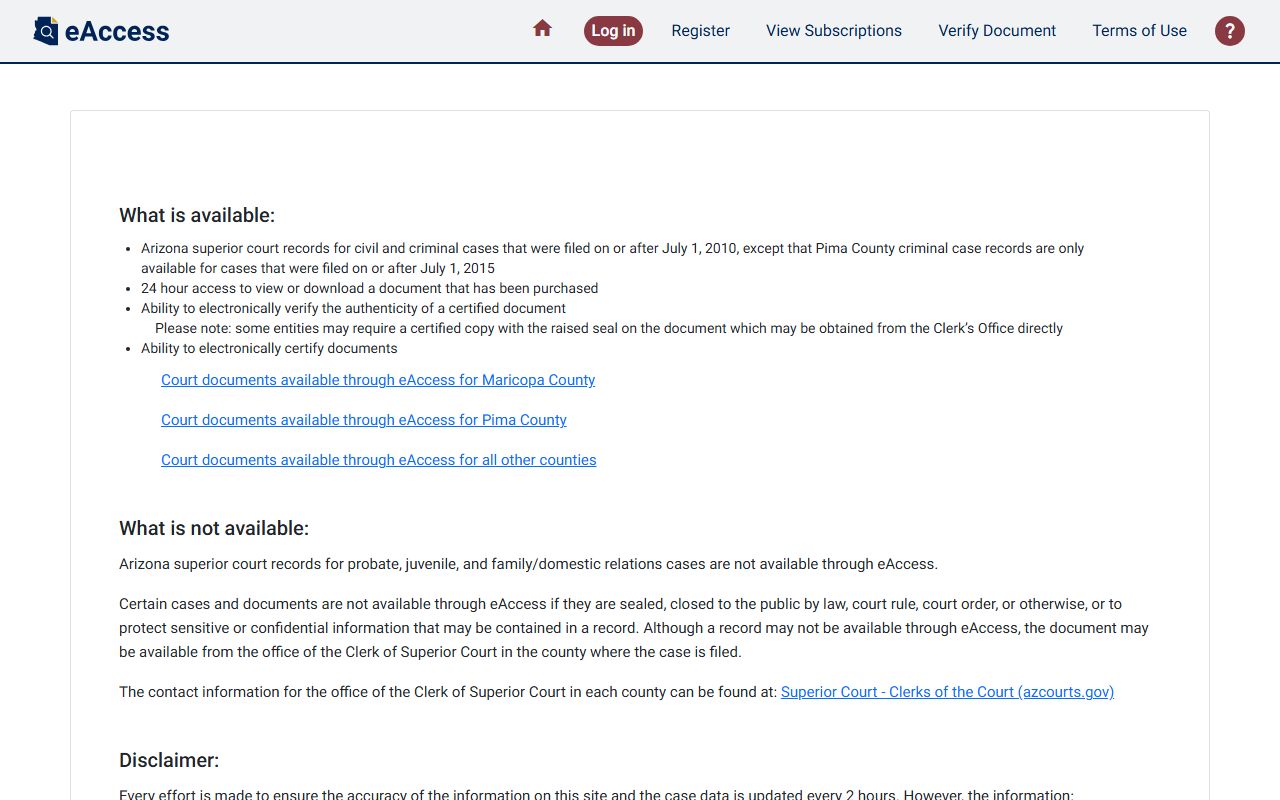
After you log in and search for a case, you can select which documents to purchase and download them as PDFs. The system also offers electronic certification for documents that need to be verified as official court records. This means you can get a certified copy of a court order or judgment without visiting the clerk in person, which saves time and makes it easier to obtain the court docket records you need for legal matters, insurance claims, background checks, or other purposes that require verified court documents from Arizona.
How Arizona Courts Are Set Up
Arizona has four levels of courts. The Arizona Supreme Court is at the top. Seven justices sit on this court. They handle death penalty appeals and supervise all other courts in the state. The Court of Appeals is next. It has two divisions. Division One in Phoenix has 19 judges. Division Two in Tucson has 9 judges. These courts hear appeals from lower courts. When someone disagrees with a trial court ruling, they can ask the Court of Appeals to review the case and decide if the lower court made a legal error. Appeals court decisions become part of the case record and appear in the court docket as the final outcome or as a remand for further proceedings at the trial level.
Superior Court is the main trial court in Arizona. There is one Superior Court with locations in all 15 counties. These courts handle felonies, civil cases over $10,000, family law matters, probate cases, juvenile matters, and tax disputes. Superior Court also hears appeals from Justice Courts and Municipal Courts. When people talk about finding court dockets in Arizona, they usually mean Superior Court records since that is where most major cases are filed. Each county has a Clerk of Superior Court who maintains all the case files and court dockets for that county. The clerk is the official keeper of court records and processes all filings, maintains the docket entries for each case, collects fees, issues certified copies of documents, and helps the public access court information either online or in person at the courthouse. The Superior Court docket is where you will find detailed case histories for serious criminal charges, large civil lawsuits, divorce proceedings, child custody disputes, probate of estates, and other significant legal matters that require a full trial court process.
The official guide to Arizona court organization is available at azcourts.gov/guidetoazcourts/How-Arizona-Courts-are-Organized, which explains the four-tier court structure in detail. The diagram below illustrates how the different court levels connect and which types of cases each court handles in Arizona.
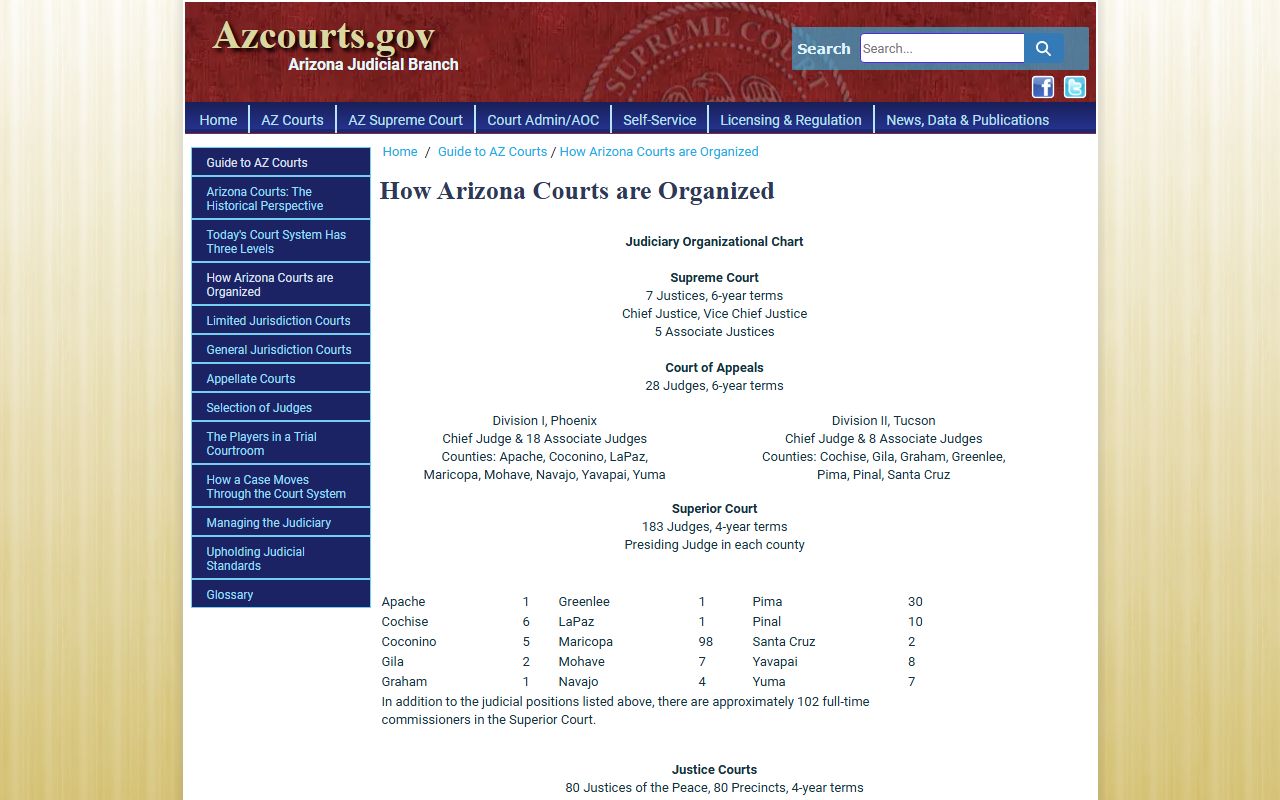
This structure shows why court dockets may appear in different court systems depending on the severity of the offense or the amount of money involved in a civil case. Understanding which court handles which cases helps you know where to search for specific Arizona court dockets.
Below Superior Court are limited jurisdiction courts. Justice Courts are county courts. They hear civil cases up to $10,000 and misdemeanor criminal cases. Small claims cases up to $3,500 also go to Justice Court. These are fast and informal hearings for minor disputes. Municipal Courts operate in cities. They handle misdemeanors and petty offenses that happen within city limits. Most traffic tickets go through Municipal Court. Larger counties like Maricopa have many Justice Court precincts. Maricopa County has 26 different Justice Court locations. Cities with populations over 50,000 often run their own Municipal Courts with separate court dockets from the county system. Each of these lower courts keeps its own docket and case files, but many feed their data into the statewide Public Access portal so you can search for cases across multiple courts in one place without having to visit each courthouse separately.
The Administrative Office of the Courts helps the Chief Justice run the court system. The AOC is at 1501 W. Washington Street, Suite 411, Phoenix, AZ 85007. Their phone is 602-452-3300.
County Court Docket Systems
Each county has its own Clerk of Superior Court office. The clerk keeps all court records for that county. You can visit the clerk in person to get copies of documents. Some counties have their own online case search systems in addition to the statewide portal. Maricopa County has a system called Docket. Pima County uses Agave Online. These local portals often have more features than the statewide site, including the ability to view scanned documents for free or pay fines online. Fees for copies vary by county but most charge 50 cents per page. Certified copies cost between $30 and $35 per document. When you need official copies of court dockets for legal purposes, the county clerk is who certifies those records. Certification means the clerk stamps the document and signs it to verify that it is a true and correct copy of the official court file, which gives the document legal weight when you need to present it in another court, to a government agency, or for any situation where proof of the court record is required.
Justice Courts in each county also keep their own records. You can search Justice Court records through the county system or through the statewide portal. Some Justice Courts have walk-in public access terminals at the courthouse. These are computers set up for public use where you can look up case information without having to ask a clerk for help. Municipal Courts in larger cities often have their own online portals. Phoenix Municipal Court has a self-service site. Tucson City Court has docket search online. Mesa, Scottsdale, and Tempe also run their own court case lookup systems. These portals let you search for cases and sometimes pay fines online. Some Municipal Courts also allow you to request traffic school or schedule hearings through their websites, making it easier to handle minor cases without having to visit the courthouse in person during business hours.
If you need records from a specific court, start with the county where the case was filed. Superior Court handles most major cases. Justice Court or Municipal Court may have records for minor offenses. All three court types feed data into the statewide Public Access portal. That makes the statewide system a good starting point even if you later need to contact a local court for certified copies or documents not available online.
Public Access Laws for Court Records
Arizona court records are not subject to the general public records law. The statute for most public records is A.R.S. Section 39-121, which you can read at azleg.gov/ars/39/00121.htm. That law does not apply to courts. Instead, court records fall under Arizona Supreme Court Rule 123. This rule says that most court records are open to the public. It sets the process for requesting records and defines which records can be sealed or restricted. Rule 123 also allows remote electronic access to court records. This is why the Public Access portal and eAccess exist. The rule lets courts share case information online and provide bulk data to researchers or agencies. The rule balances the public's right to know what happens in court with the need to protect certain sensitive information, such as social security numbers, bank account details, and other private data that might appear in court filings but should not be available to anyone who searches the court docket online.
Related provisions are in the Arizona Code of Judicial Administration. Section 1-604 covers remote electronic access. Sections 1-605 and 1-606 have more details about how courts can make dockets and documents available to the public online. These rules balance public access with privacy protections for sensitive cases. Some records are confidential by law. Juvenile delinquency cases are not public. Mental health cases are sealed. Adoption records are restricted. Cases involving minors often have limits on what the public can see. Parties in a case can ask the court to seal sensitive documents. The judge decides if sealing is proper. When records are sealed, they do not show up in public search results on the court docket portal. Even if you know the case number, a sealed case will not display any information to the public, and you cannot access the file without a court order that gives you permission to view the sealed records.
The law that sets court copy and certification fees is A.R.S. Section 12-284. This statute lets courts charge for copies and for certifying documents. Most Arizona courts use the same schedule. Copies cost 50 cents per page. Certification adds $35 per document. Some courts charge a research fee if staff must search old files. The research fee is often $35 per year searched. This fee pays for staff time to find older records that may not be in the computer system yet. Postage and handling fees of $8 are common when records are mailed. These fees help cover the cost of maintaining court dockets and providing public access to records.
Steps to Search Court Dockets
Start at the Public Access portal. Pick the court you want to search. You can choose by county or by court type. Enter a name or case number. Use last name and first name for best results. The system will show matching cases. Click on a case to see the docket. The docket shows key information. You will see the case number, case type, filing date, and parties. The charges or claims are listed. Hearing dates and case events appear with dates. Dispositions show how the case ended. If the case is still open, the next hearing date is listed. You can print or save this information. The search is free and you do not need to create an account or log in to view basic case information from the Arizona court docket system.
For documents, you need eAccess. Make an account. Add a payment method. Search for the case. Pick the documents you want. Each document costs $10. The system will show you a PDF. You can save it to your computer. Documents can be certified online for an added fee. If the statewide portal does not have the case, try the county system. Look up the Clerk of Superior Court for the county where the case was filed. Most clerks have a website with search tools or contact information. You can also call the clerk office and ask staff to help you find a case or tell you if records are available online or only in person at the courthouse.
Some older cases may not be online. You may need to visit the courthouse or submit a written records request. Clerks can search their files and provide copies by mail. Expect to pay copy fees and postage. When you request court dockets by mail, include the case number if you have it. That helps the clerk find the right file faster. Also include your contact info and a prepaid return envelope if you want the records mailed back to you.
What Cases Are in Court Dockets
Superior Court dockets include felony criminal cases. These are serious crimes. The docket shows the defendant, the charges, the attorney, and court dates. Plea deals and trial results are in the record. Sentencing details appear after conviction. Civil cases over $10,000 are also in Superior Court. These include contract disputes, personal injury claims, and business litigation. The docket lists the plaintiff, defendant, and type of claim. You can track the progress of civil cases through the court docket to see when motions were filed, when hearings occurred, and what rulings the judge made. Each entry on the docket has a date and a brief description of what happened, such as a motion filed, a hearing held, an order signed, or a judgment entered, giving you a complete timeline of the case from start to finish.
Family law cases are another major category in Arizona court dockets. Divorce cases start in Superior Court. The docket shows both spouses, the filing date, and the decree date. Child custody and child support cases are also in Superior Court. Paternity cases and orders of protection appear in the system. Some family law details may be restricted to protect privacy, but the basic docket information is usually public. Probate cases involve estates and wills. When someone dies, their estate may go through probate. The court docket shows the decedent, the personal representative, and the status of the estate. Guardianship and conservatorship cases are also in probate dockets, which track the court proceedings for adults or minors who need someone appointed to manage their affairs. These cases appear in the Arizona court docket system just like other civil matters, and you can search for them by the name of the person who passed away or the name of the person who needs a guardian.
Justice Court dockets cover misdemeanors and small civil cases. Traffic tickets often show up in Justice Court records. DUI cases, shoplifting, and minor assaults are typical misdemeanor charges. Small claims cases for debt collection or minor damages are also in Justice Court. Municipal Court dockets are similar. They cover city ordinance violations and misdemeanors within city limits. Parking tickets, noise complaints, and petty theft charges appear in Municipal Court records. These lower court dockets are usually simpler than Superior Court dockets, with fewer entries and less complex legal proceedings, but they still provide a public record of the case outcome and any fines or penalties that were imposed.
Not all cases are public. Juvenile delinquency cases are confidential. If a minor is charged with a crime, the public cannot see the file. Juvenile adoptions and guardianships may be public but details are limited. Mental health proceedings are sealed. Involuntary commitment cases do not appear in public search results. Cases under seal by court order are also hidden. If you search for a sealed case, it will not show up in the court docket system.
Electronic Filing in Arizona Courts
Arizona uses eFileAZ for electronic filing. Attorneys must e-file in most case types. Self-represented parties can use the system but it is not required for them. E-filing is available 24 hours a day. Documents filed electronically are stamped and sent to the court right away. The clerk processes them faster than paper filings. After you file, the document appears in the case docket within a few hours. Other parties in the case get electronic notice that you filed something. E-filing helps keep the court docket up to date so that anyone searching for case information sees the latest filings. The system is more efficient than the old method of printing documents, driving to the courthouse, and waiting in line at the clerk window to submit your papers, which could take hours or even days if the clerk office was busy or closed when you tried to file your documents.
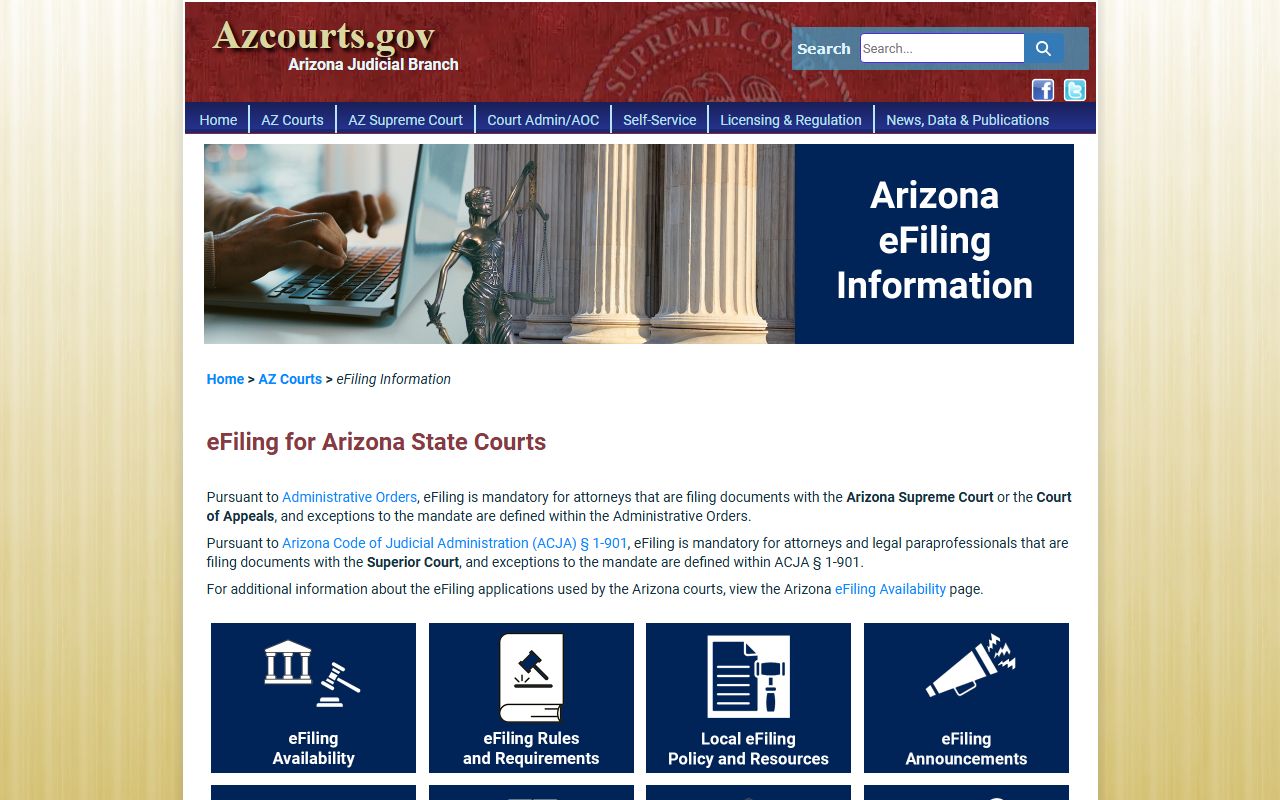
The electronic filing portal is at efile.azcourts.gov, where attorneys and self-represented litigants can submit court documents online. The screenshot below shows the eFileAZ information page that explains how to register for the system and what types of cases can be e-filed in Arizona courts.
You must create an eFileAZ account to use the system. There are filing fees for most documents. The system takes credit cards and electronic checks. This electronic filing process is faster than mailing or hand-delivering documents to the courthouse. Once your filing is accepted, it becomes part of the official Arizona court docket and other parties can view it through the Public Access portal or eAccess, ensuring that everyone involved in the case has access to the same information at the same time without delays caused by mail delivery or in-person document pickup at the clerk office.
Standard Court Record Fees
Most Arizona courts charge the same fees. Copies are 50 cents per page. If you need a certified copy, add $35 per document. Certification means the clerk stamps the copy as a true and correct record. Certified copies are needed for some legal purposes like applying for passports or proving a judgment. Research fees apply if the clerk must search old files. The research fee is often $35 per year or source searched. This fee pays for staff time to find older records that may not be in the computer system yet.
Mailing fees are $8 for postage and handling. This covers the cost to send records to you. If you pick up records in person, you do not pay postage. Some courts accept payment online. Many counties use payment portals. Maricopa County has a payment site. Pima County has online payments too. Other counties link to third-party payment systems. Cash, credit cards, and money orders are accepted at most clerk offices. Personal checks are not always accepted, so call ahead if that is how you plan to pay.
The eAccess system charges $10 per document. This fee is set by the Arizona Supreme Court. Subscriptions lower the per-document cost for high-volume users. A basic subscription is $80 per month. Mid-tier subscriptions cost several hundred dollars per month. Enterprise subscriptions for law firms or businesses can run up to $10,000 per month. Government agencies are exempt from eAccess fees. They can view and download documents at no cost.
Help and Resources
AZCourtHelp is a self-service resource site at azcourthelp.org. The site has forms, instructions, and videos. Topics include family law, small claims, evictions, and protective orders. You can find step-by-step guides for common legal tasks. The site is run by the Arizona courts and is free to use. It also has links to court locations and phone numbers if you need to contact a specific court about your case or court docket. The site is a good place to start if you are handling a legal matter on your own without a lawyer and need help understanding what forms to file or what steps to take in your case.
Each county has a Self-Service Center at the courthouse. Staff at these centers can help you find forms and explain court procedures. They cannot give legal advice. They cannot tell you what to file or how to win your case. But they can show you where to find the right forms and how to fill them out. Most Self-Service Centers are open during business hours. Some offer walk-in help. Others require an appointment. If you need legal advice, contact an attorney. The State Bar of Arizona has a lawyer referral service. Legal aid organizations help people who cannot afford an attorney. Community Legal Services and Southern Arizona Legal Aid are two main providers. They have offices in several counties. These groups can help you with court docket searches, filing documents, and understanding your legal rights if you meet their income guidelines and have a case type they handle.
Browse Court Records by Location
Arizona Counties
Each county in Arizona has a Superior Court and at least one Justice Court. Pick a county to see local court information, contact details, and online portals.
Major Arizona Cities
Cities with populations over 50,000 often have their own Municipal Courts. Find court contact information and local resources for major Arizona cities.